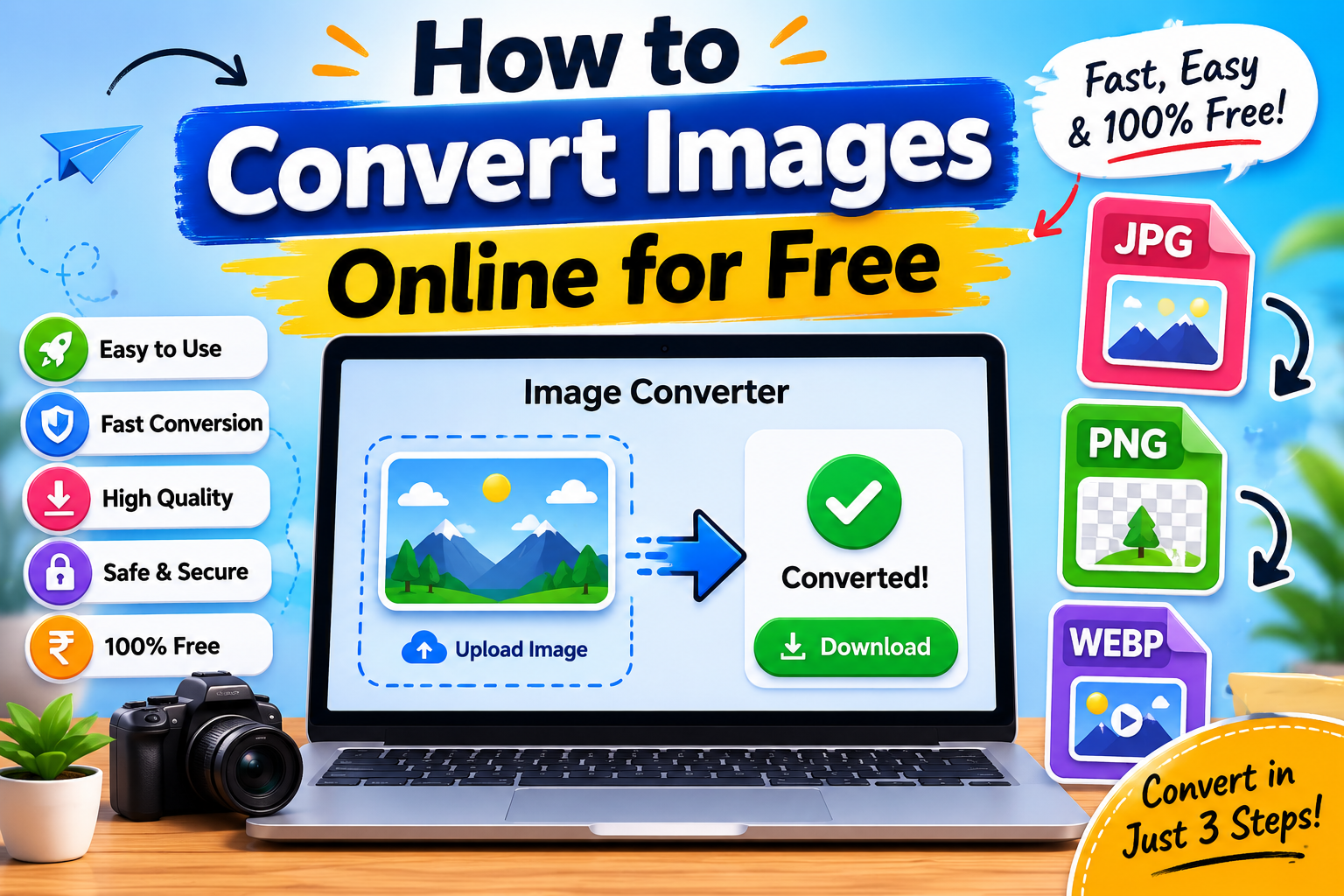
Images have become a big part of our daily lives. We use them on social media, websites, school projects, online stores, blogs, and even in work presentations. But sometimes an image is saved in the wrong format, making it difficult to upload, share, or use properly.
This is where image conversion becomes useful.
An image converter allows you to change one image format into another. For example, you can convert a JPG image into PNG, WebP, or another format depending on your needs.
The best part is that you don't need expensive software or advanced technical skills. Today, many online tools allow you to convert images for free within seconds.
In this guide, you'll learn what image conversion is, why it matters, and how to convert images online quickly and safely.
What Does Image Conversion Mean?
Image conversion simply means changing an image from one file format to another.
For example:
- JPG → PNG
- PNG → WebP
- WebP → JPG
- JPG → WebP
The image itself remains the same, but the file format changes.
Different formats have different advantages, which is why conversion is often necessary.
Why Would You Need to Convert an Image?
Many people wonder why image conversion is important.
The answer is simple: not all image formats are suitable for every situation.
Let's look at some common examples.
Better Website Speed
Modern formats like WebP usually have smaller file sizes.
Smaller files help websites load faster.
Transparent Backgrounds
JPG images do not support transparency.
If you need a transparent background for a logo or graphic, converting to PNG may help.
Compatibility
Some apps and websites only accept specific image formats.
Converting images allows you to meet those requirements.
Smaller File Size
Converting an image to a more efficient format can reduce storage usage and upload times.
Understanding Popular Image Formats
Before converting images, it's helpful to understand the most common formats.
JPG
JPG is one of the most widely used image formats.
Best for:
- Photographs
- Social media images
- Product photos
Advantages:
- Small file sizes
- Excellent compatibility
- Easy sharing
PNG
PNG is commonly used for graphics and logos.
Best for:
- Transparent backgrounds
- Logos
- Icons
- Screenshots
Advantages:
- High quality
- Transparency support
WebP
WebP is a modern format designed for the web.
Best for:
- Websites
- Blogs
- Online stores
Advantages:
- Smaller file sizes
- Excellent quality
- Faster page loading
GIF
GIF is mainly used for simple animations.
Best for:
- Animated images
- Short graphics
How to Convert Images Online for Free
The process is usually very simple.
Most image converter tools follow the same steps.
Step 1: Upload Your Image
Choose the image from your device.
Most tools support:
- JPG
- PNG
- WebP
- GIF
- Other popular formats
Step 2: Select the Output Format
Choose the format you want.
Examples:
- Convert JPG to PNG
- Convert PNG to WebP
- Convert WebP to JPG
Step 3: Start the Conversion
Click the convert button.
The tool processes the image automatically.
Step 4: Download the Converted Image
Once finished, download the new file.
The process usually takes only a few seconds.
Benefits of Using Online Image Converters
Online converters have become popular for several reasons.
No Software Installation
You don't need to install large programs.
Everything works directly in your browser.
Fast and Easy
Most conversions take less than a minute.
Free to Use
Many image conversion tools are completely free.
Works on Any Device
Whether you're using:
- Windows
- Mac
- Android
- iPhone
- Tablet
online converters work almost everywhere.
When Should You Convert JPG to PNG?
JPG is excellent for photos, but PNG has its own advantages.
Convert JPG to PNG when:
- You need transparency
- You're editing graphics
- You're creating logos
- You want sharper text and illustrations
Keep in mind that PNG files are usually larger.
When Should You Convert PNG to WebP?
Many website owners convert PNG images to WebP.
Reasons include:
- Smaller file sizes
- Faster loading speed
- Better website performance
For websites, this is often one of the smartest conversions.
When Should You Convert WebP to JPG?
Sometimes older software doesn't support WebP.
Converting to JPG can improve compatibility.
This is useful when:
- Sharing images with older devices
- Using outdated software
- Uploading to platforms with format restrictions
Common Mistakes People Make
Choosing the Wrong Format
Many users convert images without understanding the purpose of each format.
Always think about where the image will be used.
Repeated Conversions
Converting the same image multiple times can sometimes reduce quality.
Try to keep a copy of the original file.
Ignoring File Size
Some people focus only on quality and forget about file size.
A balanced approach usually works best.
Uploading Huge Images
Large images can slow websites down.
Resize and optimize images whenever possible.
Is Online Image Conversion Safe?
Most reputable image converter tools are safe to use.
However, you should still follow basic precautions.
Avoid Unknown Websites
Use trusted tools with clear privacy policies.
Don't Upload Sensitive Files
Avoid uploading private documents or personal images that contain sensitive information.
Delete Unneeded Files
If the tool stores files temporarily, remove them when possible.
How Image Conversion Helps Website Owners
Website owners benefit greatly from image conversion.
Optimized images can:
- Improve loading speed
- Reduce bandwidth usage
- Save storage space
- Create a better user experience
Many websites convert all uploaded images into WebP to improve performance.
Frequently Asked Questions
Does image conversion reduce quality?
Not always.
The result depends on the formats involved and the compression settings used.
Which image format is best?
There is no single best format.
JPG works well for photos, PNG is ideal for transparency, and WebP is excellent for websites.
Can I convert images on my phone?
Yes.
Most online image converters work perfectly on smartphones and tablets.
Is online image conversion free?
Many online tools offer free image conversion without requiring software installation.
Final Thoughts
Converting images online for free is one of the easiest ways to improve compatibility, reduce file size, and optimize images for different uses.
Whether you're a student working on a project, a blogger managing a website, or a business owner improving website performance, image conversion can save time and make your work easier.
The key is choosing the right format for the right purpose. JPG remains great for photographs, PNG is perfect for graphics and transparency, and WebP has become the preferred choice for modern websites.
With today's online tools, converting images takes only a few clicks, making it simple for anyone to get the format they need.