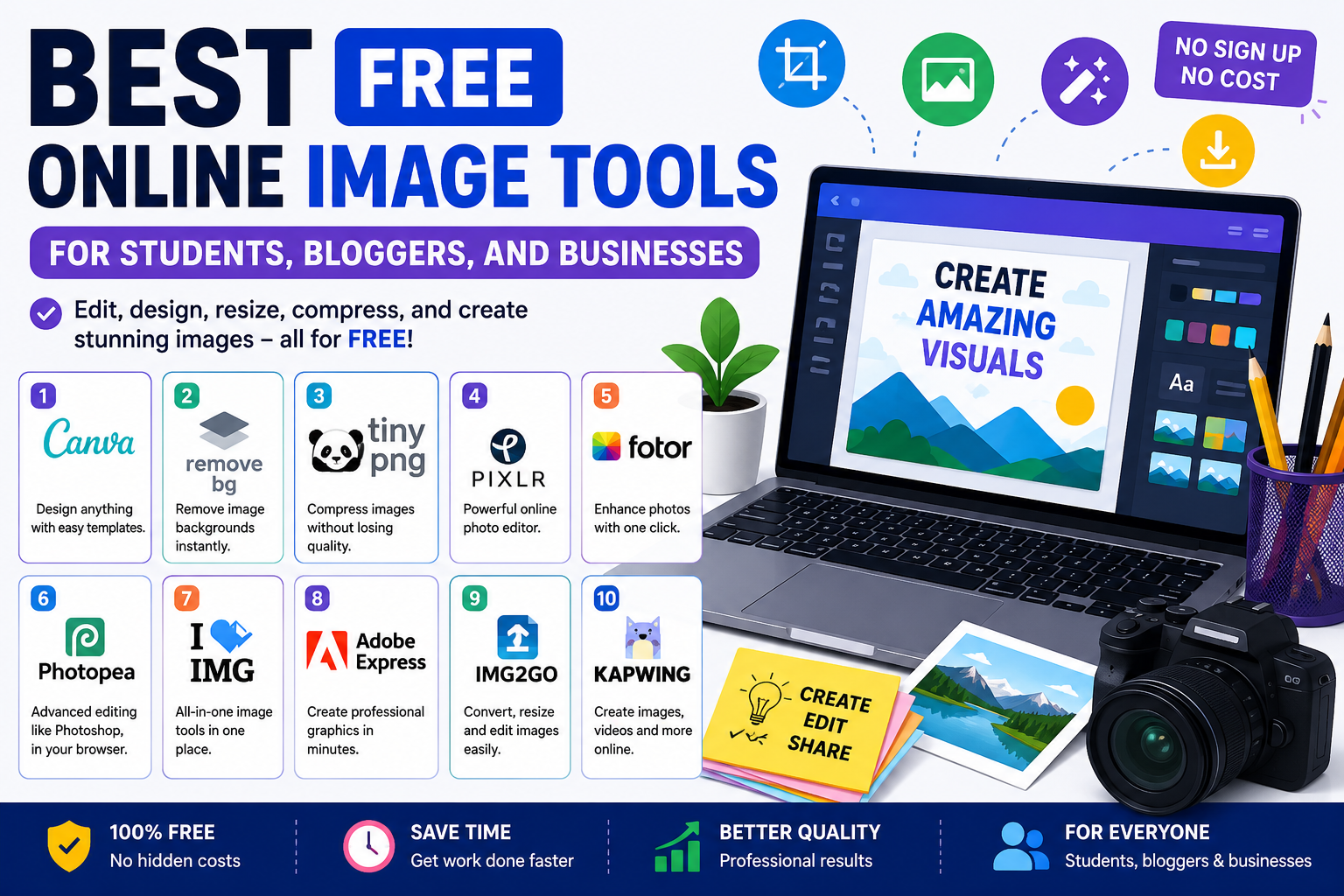
Good images can make a big difference. A student may need images for school projects. A blogger may want attractive blog graphics. A business may need clean product photos or social media posts.
The good news is that you do not always need expensive software. Many free online image tools can help you edit, resize, compress, and design images quickly.
In this guide, we will look at some of the best free online image tools that are simple, useful, and beginner-friendly.
1. Canva – Best for Easy Graphic Design
Canva is one of the most popular online design tools.
It is simple to use, even if you have never designed anything before. You can drag and drop elements to create beautiful designs in minutes.
Great for:
- School presentations
- Blog banners
- Social media posts
- Business flyers
- YouTube thumbnails
Why People Like It:
- Free templates
- Easy interface
- No design experience needed
- Works on browser and mobile
Students, bloggers, and small businesses can all benefit from Canva.
2. Remove.bg – Best for Background Removal
Sometimes you need to remove a photo background but do not know Photoshop.
That is where Remove.bg helps.
Upload an image, and it automatically removes the background in seconds.
Great for:
- Product images
- Profile pictures
- Logo designs
- Social media content
This tool saves time and requires almost no editing skills.
3. TinyPNG – Best for Image Compression
Large images can slow down websites and blogs.
TinyPNG helps reduce image file size without making images look bad.
Smaller images help:
- Websites load faster
- Save storage space
- Improve website performance
Great for:
- Bloggers
- Website owners
- Online stores
- Businesses
If your website feels slow, image compression is a smart place to start.
4. Pixlr – Best Free Online Photo Editor
Pixlr is a powerful browser-based image editor.
Many people use it as a free alternative to expensive editing software.
You can:
- Crop photos
- Add text
- Apply filters
- Edit colors
- Remove unwanted parts
Best for:
- Blog images
- School projects
- Social media graphics
- Quick photo edits
It offers more editing control than simple design tools.
5. Fotor – Best for Quick Photo Enhancements
Fotor focuses on making photos look better with simple tools.
You can improve lighting, sharpness, and colors without advanced editing knowledge.
Useful for:
- Portrait photos
- Product photos
- Blog images
- Social media pictures
If you want quick improvements without learning complicated software, Fotor is a good choice.
6. Photopea – Best Free Photoshop-Style Tool
Photopea is impressive because it feels similar to professional editing software.
It runs directly in your browser.
You can work with layers, text, effects, and detailed edits.
Best for:
- Advanced editing
- Designers on a budget
- Bloggers creating custom graphics
- Students learning design skills
It may look complex at first, but it is powerful once you learn the basics.
7. ILoveIMG – Best for Image Utilities
ILoveIMG offers several useful tools in one place.
Instead of using different websites, you can do many tasks together.
Features include:
- Resize images
- Compress images
- Crop images
- Convert formats
- Add watermarks
Good for:
- Bloggers
- Students
- Website owners
- Businesses managing images
Simple tools can save a lot of time.
8. Adobe Express – Best for Professional-Looking Designs
Adobe Express provides free design tools from a trusted creative brand.
You can create:
- Posters
- Social graphics
- Logos
- Marketing visuals
Why It Stands Out:
- Modern templates
- Clean designs
- Beginner-friendly layout
It is useful for businesses that want polished content without hiring a designer.
9. Img2Go – Best for Image Conversion
Sometimes you need to change one image format into another.
Maybe you need PNG instead of JPG, or WebP instead of PNG.
Img2Go helps with that.
Useful tasks:
- Convert image formats
- Resize pictures
- Compress files
- Basic editing
This tool is handy for people who work with many file types.
10. Kapwing – Best for Image and Content Creation
Kapwing is known for content creation.
Besides image editing, it also supports simple video and graphic tools.
Great for:
- Bloggers
- YouTubers
- Students
- Social media creators
You can create modern content quickly without installing software.
Which Tool Should You Choose?
Different people need different tools.
Here is a simple guide:
Students:
Canva, Pixlr, Photopea
Bloggers:
TinyPNG, Canva, ILoveIMG
Businesses:
Adobe Express, Remove.bg, Fotor
Advanced Users:
Photopea, Pixlr
Start with one or two tools first. You do not need everything at once.
Final Thoughts
You do not need expensive software to create better images.
Free online image tools can help students complete projects, bloggers improve content, and businesses build stronger visuals.
Whether you want to design graphics, compress files, edit photos, or remove backgrounds, there is a free tool that can help.
The best approach is simple:
Choose a tool based on your needs, practice a little, and keep experimenting.
Good visuals are easier to create than many people think.